

Mailchimp is an email marketing and automation platform used by small and mid-sized brands to run newsletters, promotional campaigns, and lifecycle automations. Connecting Mailchimp to Parabola lets marketing and ops teams pull audience and campaign data into the same flows they use for e-commerce, finance, and analytics, without manual CSV exports or engineering work.Documentation Index
Fetch the complete documentation index at: https://parabola.io/docs/llms.txt
Use this file to discover all available pages before exploring further.
Pull from Mailchimp
The Pull from Mailchimp step retrieves data from your Mailchimp account. You can pull both List (audience) data and Campaign (engagement) data, which gives you everything you need for list hygiene, deliverability monitoring, and performance reporting.How to authenticate
Click Authorize and log in with your Mailchimp credentials. Parabola handles the OAuth handshake, so there’s no API key to manage manually.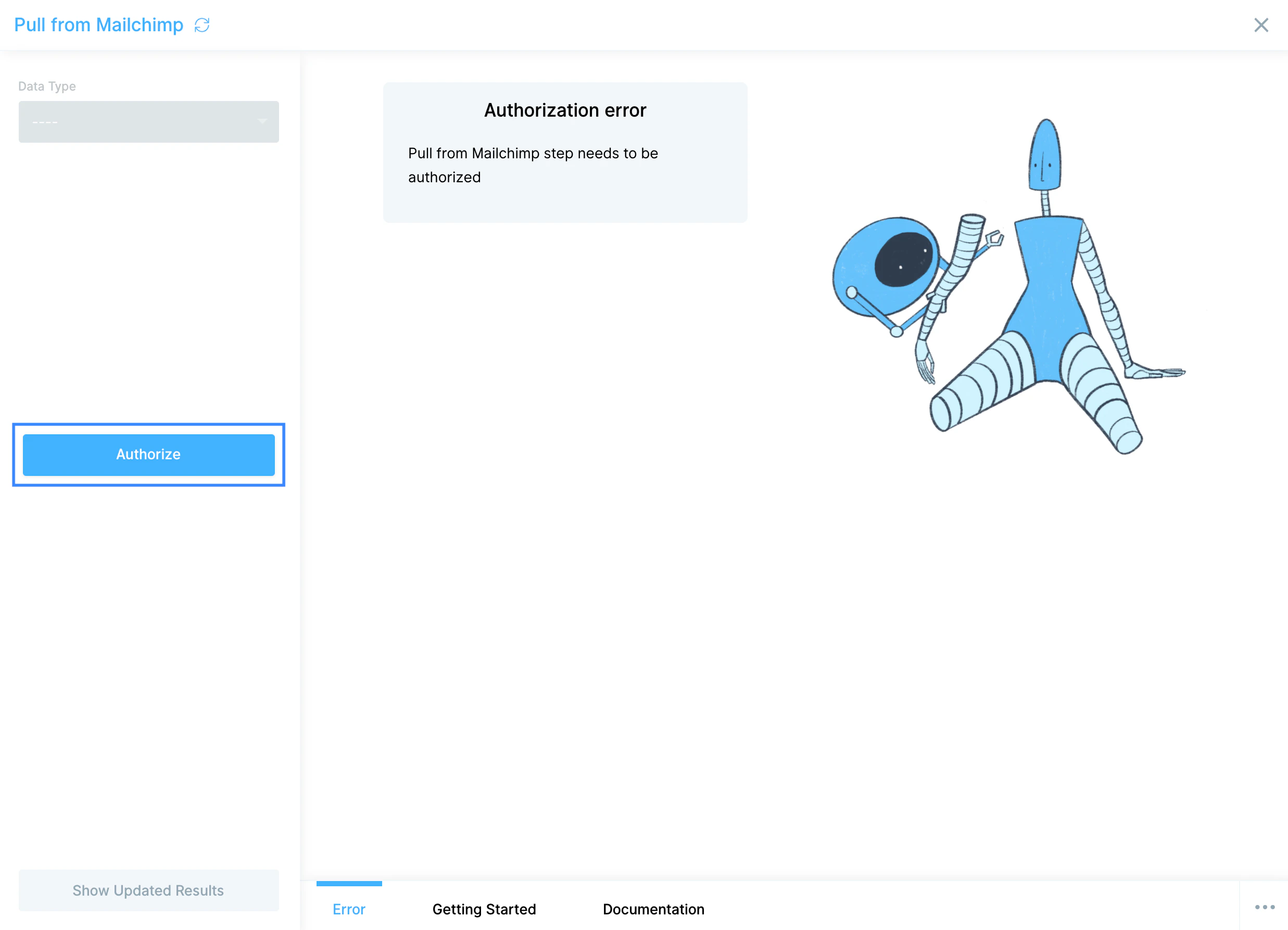
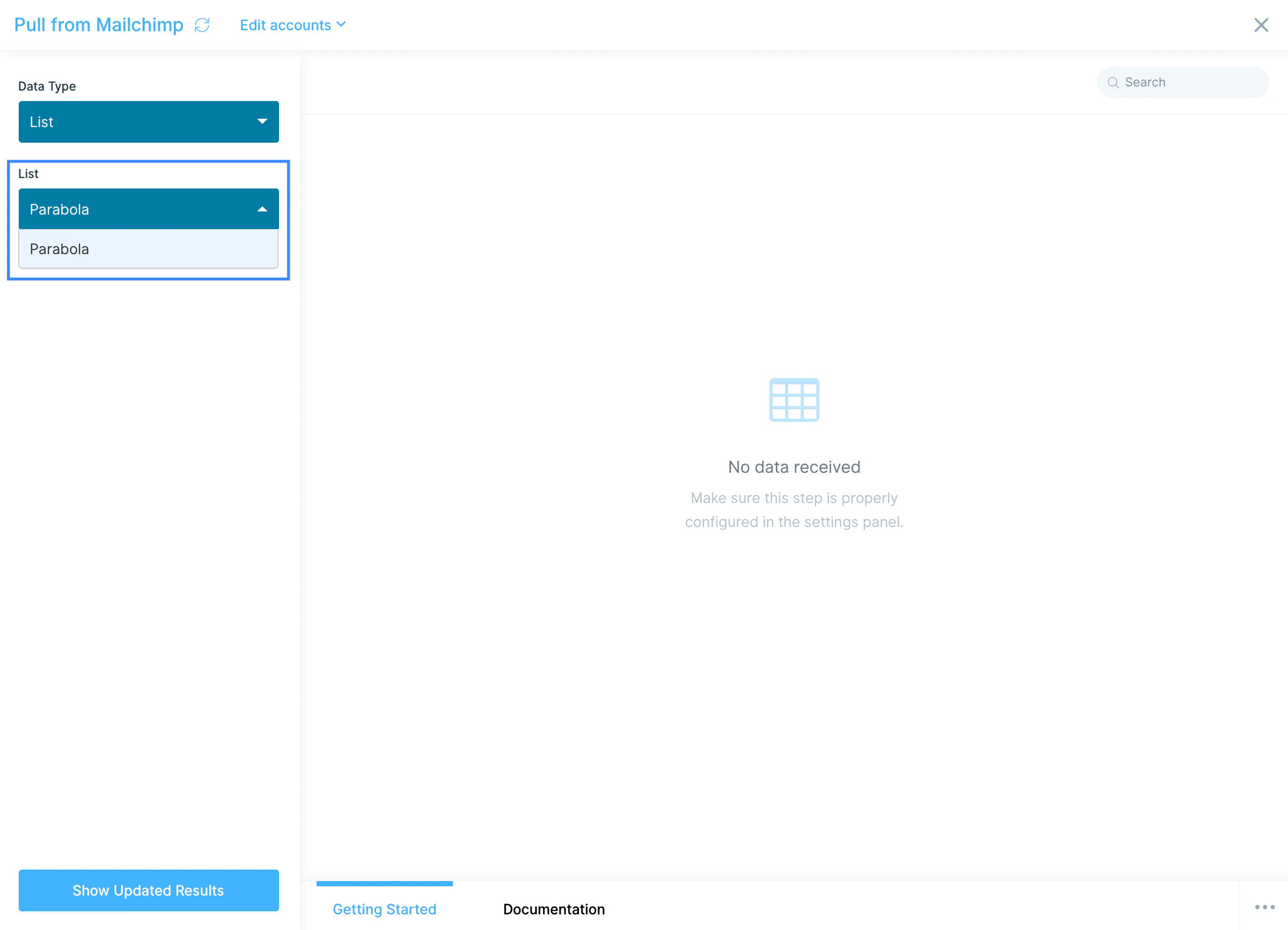
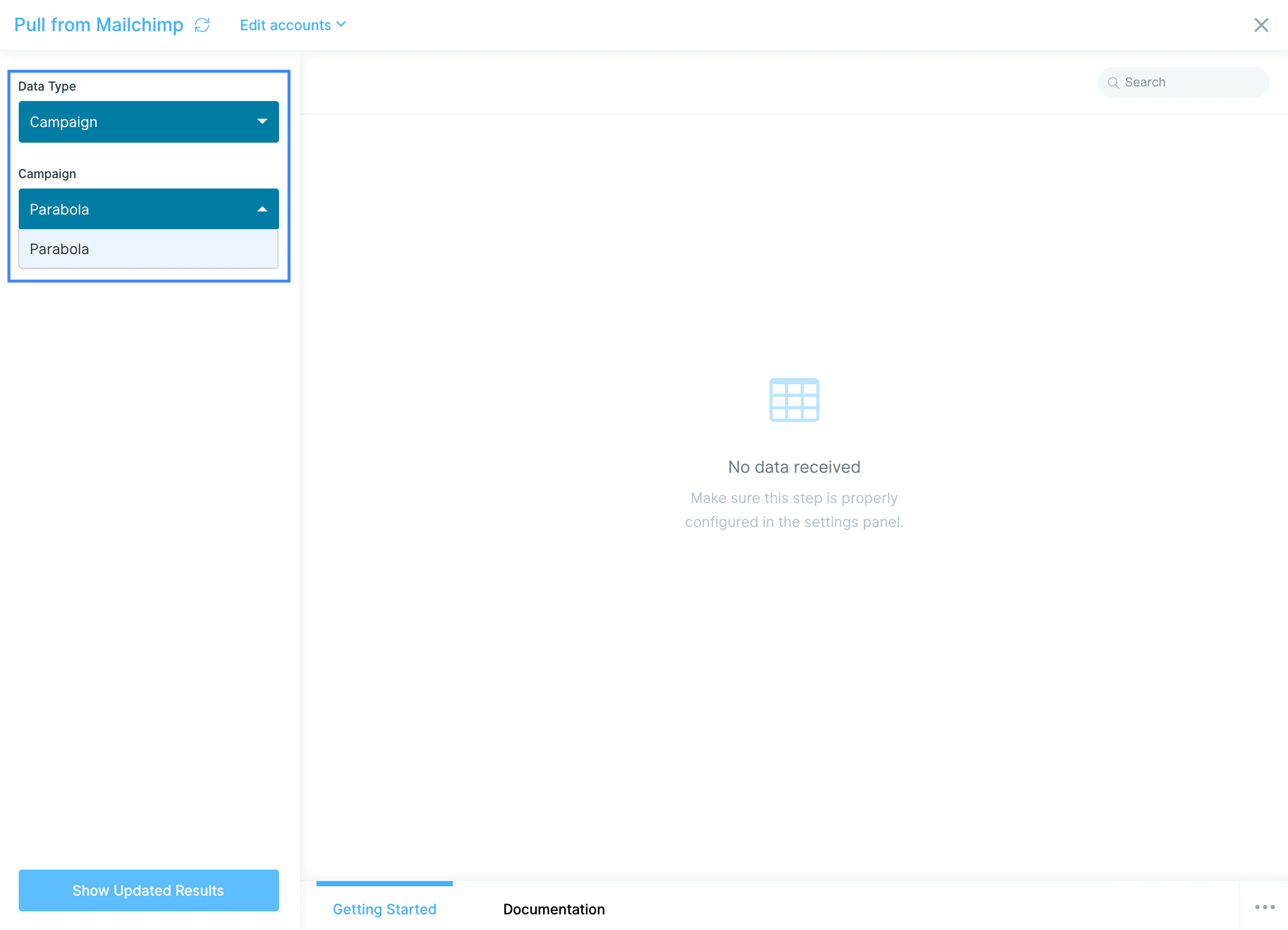
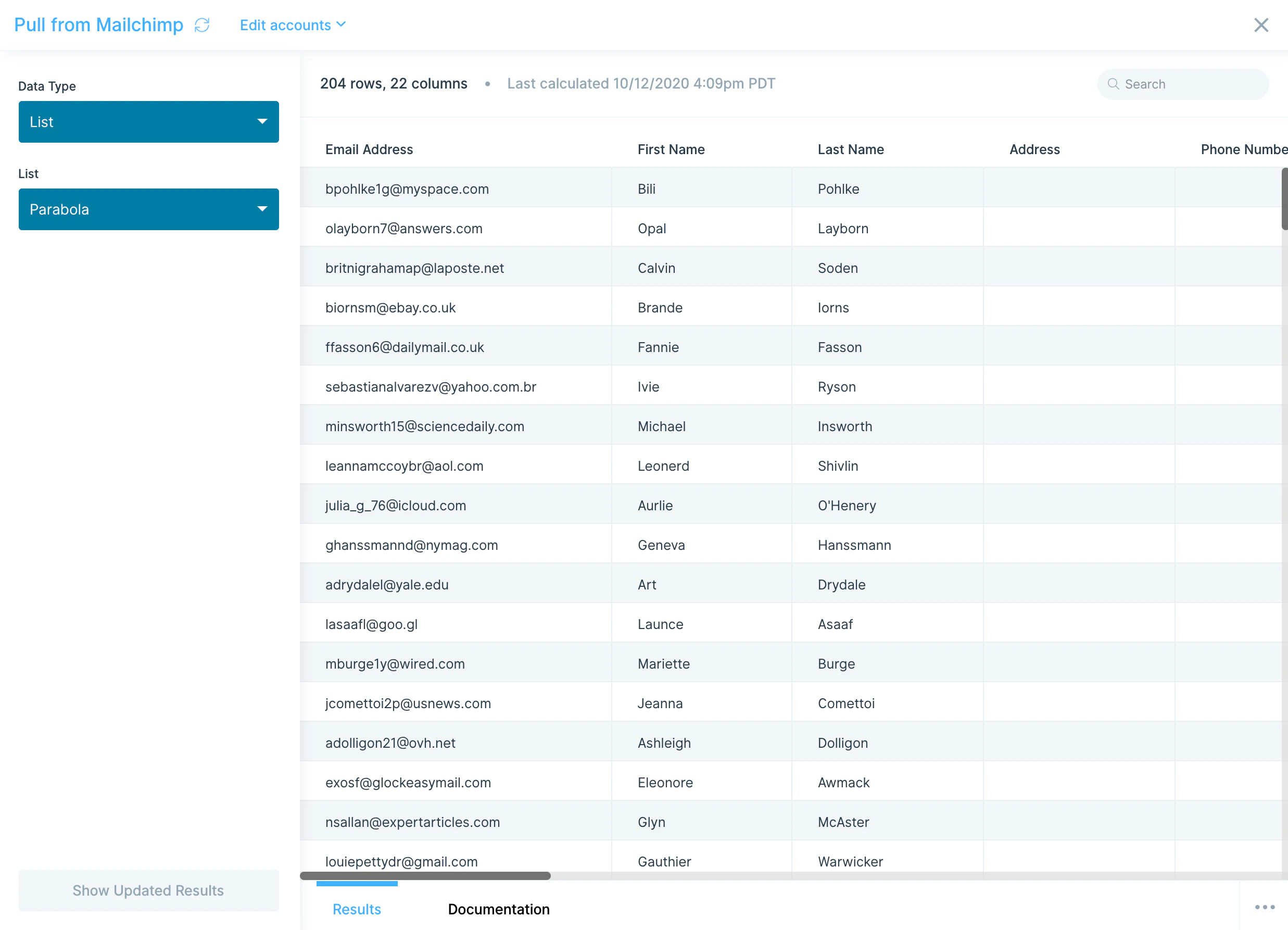
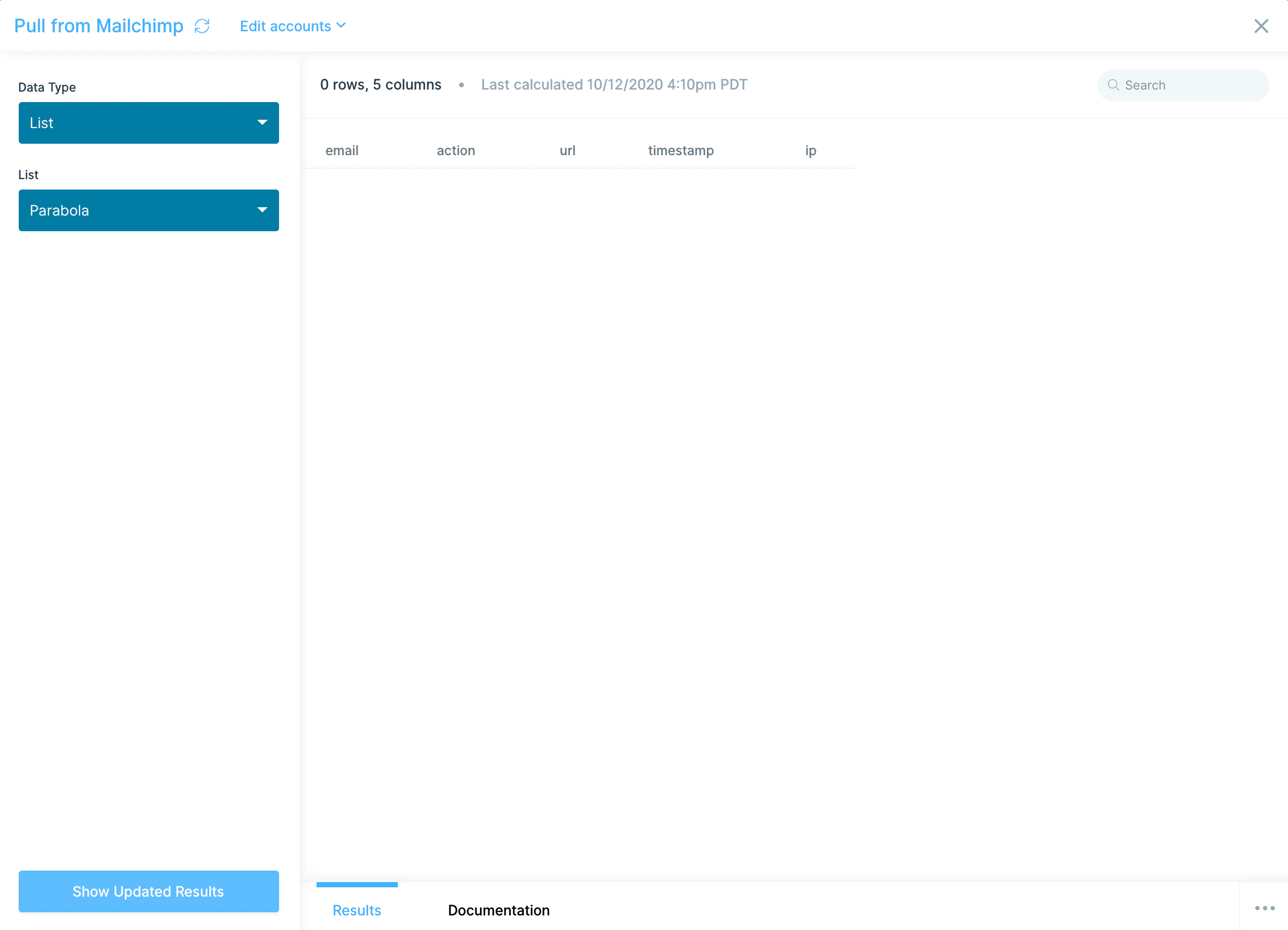
Pick a Data Type: List (your audience and subscriber data) or Campaign (sends, opens, clicks, and other engagement events).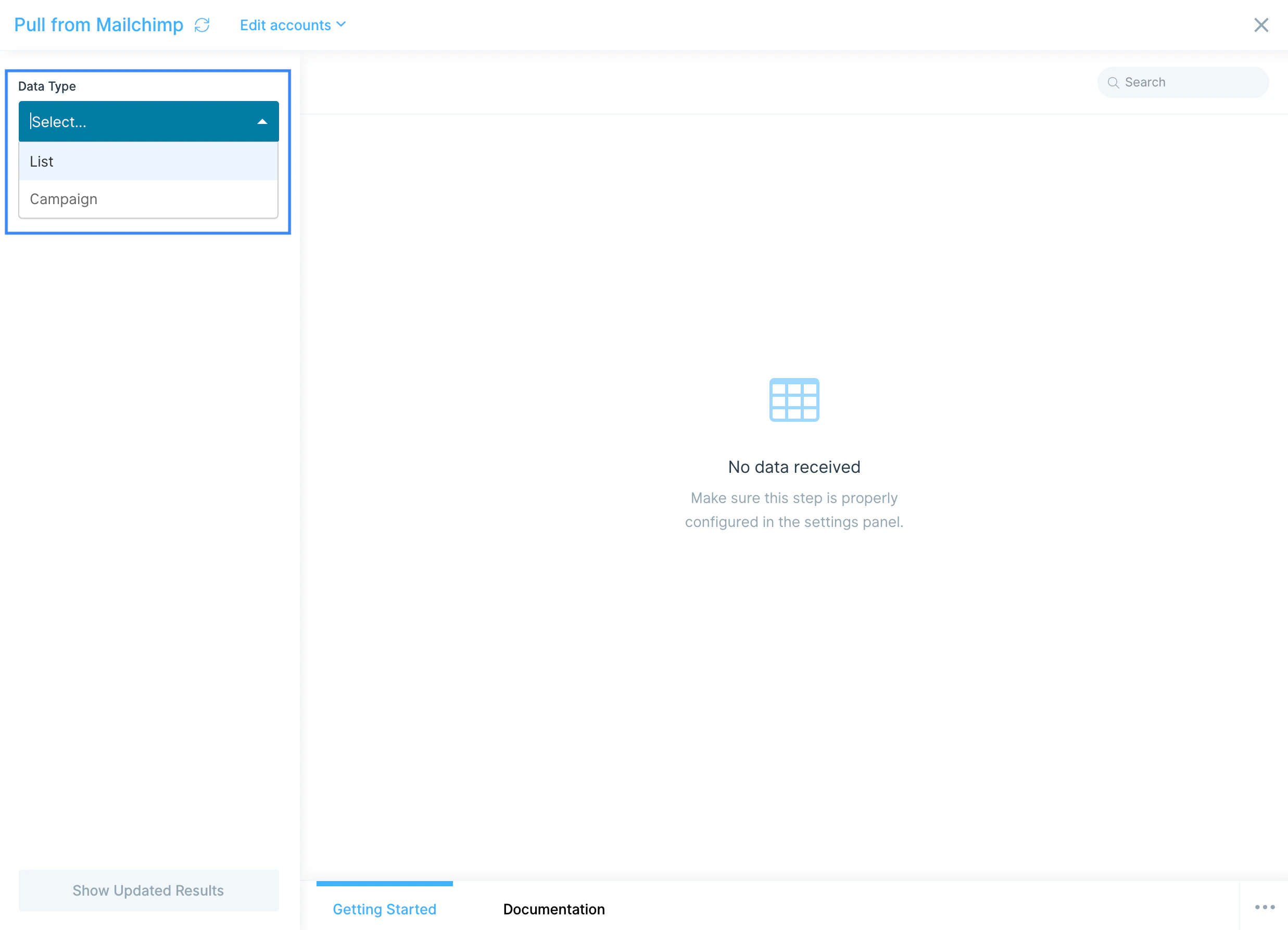
Available data
The Pull from Mailchimp step exposes two main data types:- Lists (Audiences) — subscriber-level data including email address, first and last name, merge fields, subscription status, signup date, source, location, and any custom audience fields you’ve configured.
- Campaigns — per-campaign engagement events including the action taken (open, click, bounce, unsubscribe), timestamp, recipient email, and the campaign and list it belongs to.
Common use cases
- Keep your audience in sync with e-commerce data: Pull Mailchimp lists alongside customer data from Shopify, Squarespace, or Amazon Seller Central to flag missing emails, suppress recent buyers, or build VIP segments based on lifetime value.
- Build cross-channel marketing dashboards: Combine Mailchimp campaign metrics with paid spend from Facebook Ads and TikTok to track blended CAC and channel-level ROI in one place.
- Sync new subscribers to your CRM: Push fresh Mailchimp signups into HubSpot or Salesforce so sales sees lead activity without waiting on a marketing handoff.
- Audit list hygiene before sends: Cross-reference your Mailchimp audience against unsubscribe records, suppression lists, or order data to catch stale or duplicate contacts before they hurt deliverability.
- Automate weekly performance reports: Roll up campaign opens, clicks, and conversions on a schedule and drop the result into Google Drive, Smartsheet, or a Slack message for your marketing team.
- Feed Mailchimp engagement into your warehouse: Push raw engagement events into Snowflake, BigQuery, or Redshift for long-term cohort analysis and retention modeling.
Tips for using Parabola with Mailchimp
- Pick List vs. Campaign deliberately. Lists give you who is subscribed; Campaigns give you what they did. Most reporting flows need both, joined on email address.
- Match cadence to use case. Run hourly for list-hygiene flows that suppress recent purchasers, daily for performance reporting, weekly for cohort and retention analysis.
- Deduplicate before joining. Mailchimp can hold the same email across multiple audiences. Use Parabola’s Remove duplicate rows step on email address before joining to outside sources to avoid inflated counts.
- Normalize merge fields. Custom merge tags arrive as separate columns that may have inconsistent casing or whitespace. Clean them with a Find and replace or Edit columns step before pushing downstream.
- Watch the action column on Campaign pulls. The same recipient appears multiple times if they opened and clicked. Group by email + action when calculating unique opens vs. unique clicks.
- Handle timestamps carefully. Mailchimp returns timestamps in UTC. Convert to your reporting timezone before any “today” or “this week” logic.
FAQ
Can I push subscribers back into Mailchimp?
The Pull from Mailchimp step is read-only. To create or update subscribers, use a Send to an API step pointed at Mailchimp’s Marketing API with an API key, typically the/lists/{list_id}/members endpoint.
How do I pull only recent campaigns or signups?
Pull the full dataset, then add a Filter rows step on signup date or campaign send date. For very large audiences, schedule the flow more frequently and filter to “last 7 days” so each run stays fast.Which Mailchimp plan do I need?
Any paid Mailchimp plan with API access works. Mailchimp’s free tier has limited API access, so confirm your plan before building production flows. See Mailchimp pricing.Can I pull data from multiple Mailchimp accounts in one flow?
Yes. Add multiple Pull from Mailchimp steps and authorize each one against a different Mailchimp login, then union the results downstream.With Mailchimp and Parabola connected, the manual exports your marketing team uses to clean lists, build reports, and reconcile audiences run on a schedule, with output landing in the systems where your team actually works.