Documentation Index
Fetch the complete documentation index at: https://parabola.io/docs/llms.txt
Use this file to discover all available pages before exploring further.
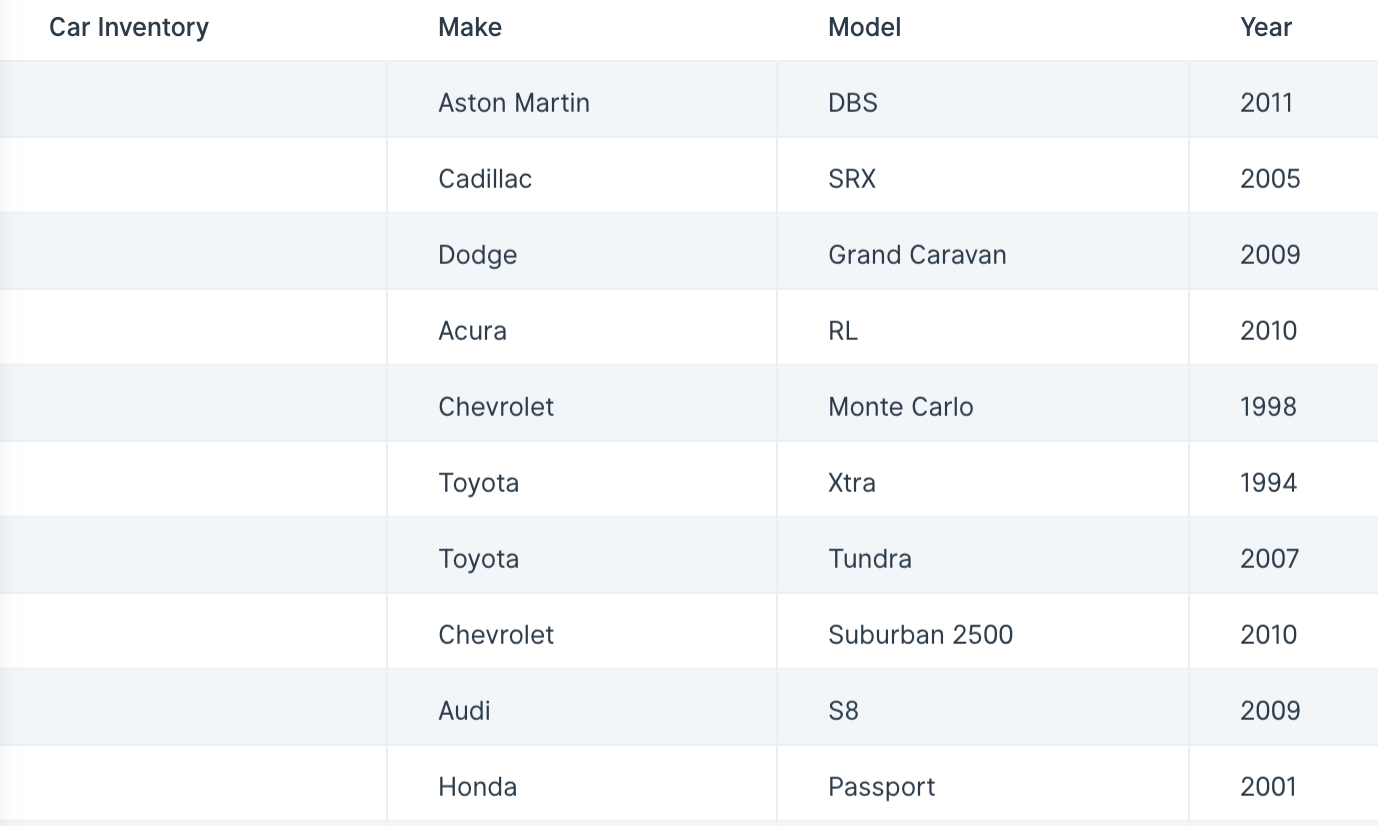
The input table we’ll use for this step has 3 rows and over 100 columns. Every column represents a different car in our inventory.
By using the Flip table step, we can turn the table 90 degrees to make the previously 3 rows our columns (“Make”, “Model” and “Year”) and have the 100+ columns become 100+ rows. This transformed table of 3 columns with 100+ rows makes our data a lot easier to understand.
Custom settings
This step doesn’t require any additional configuration. Just connect a step containing data to this one and see your table immediately flipped 90 degrees.