

Documentation Index
Fetch the complete documentation index at: https://parabola.io/docs/llms.txt
Use this file to discover all available pages before exploring further.
Input/output
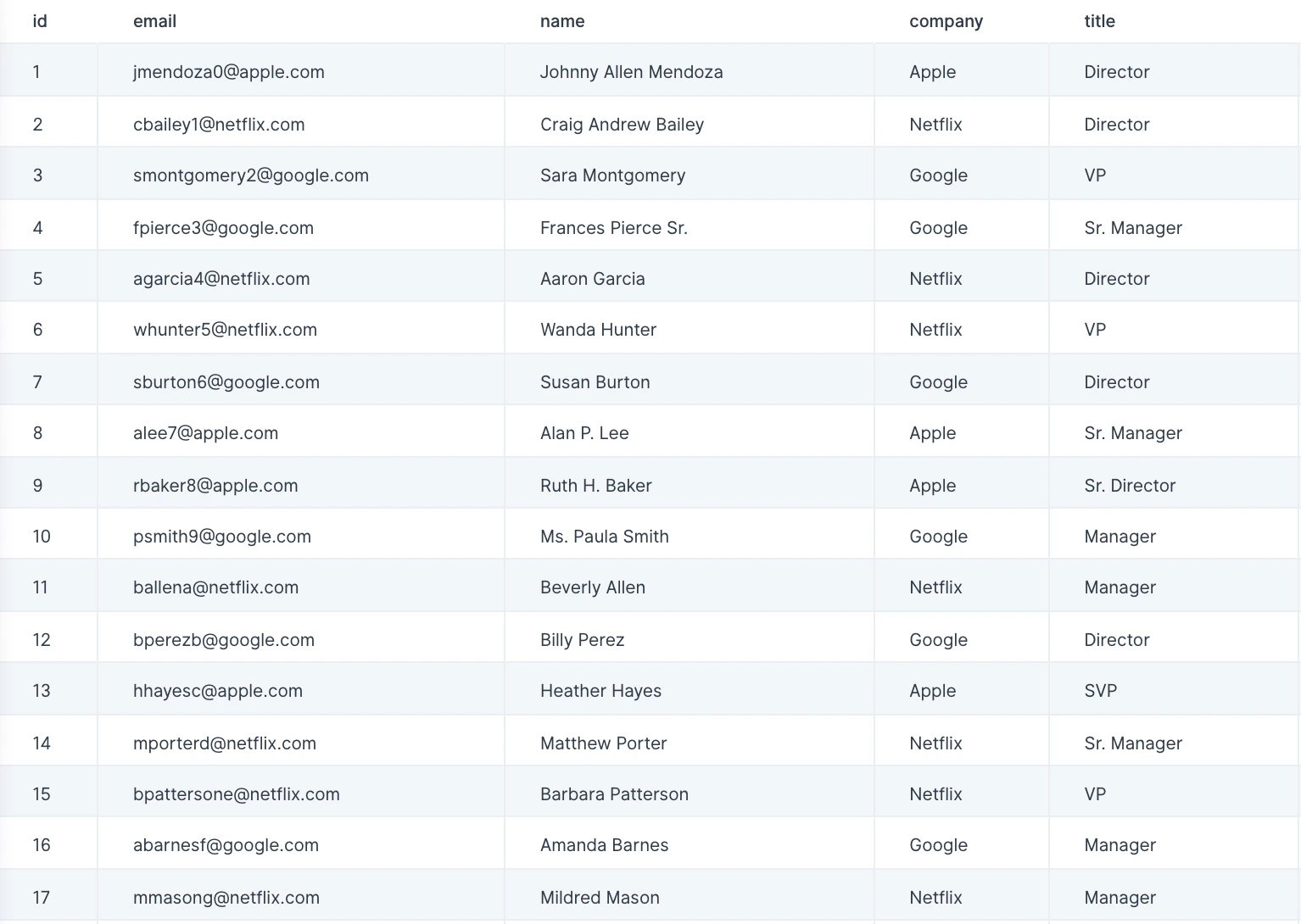
In this example, the data we’ll input into this step has a list of multiple leads across a few companies.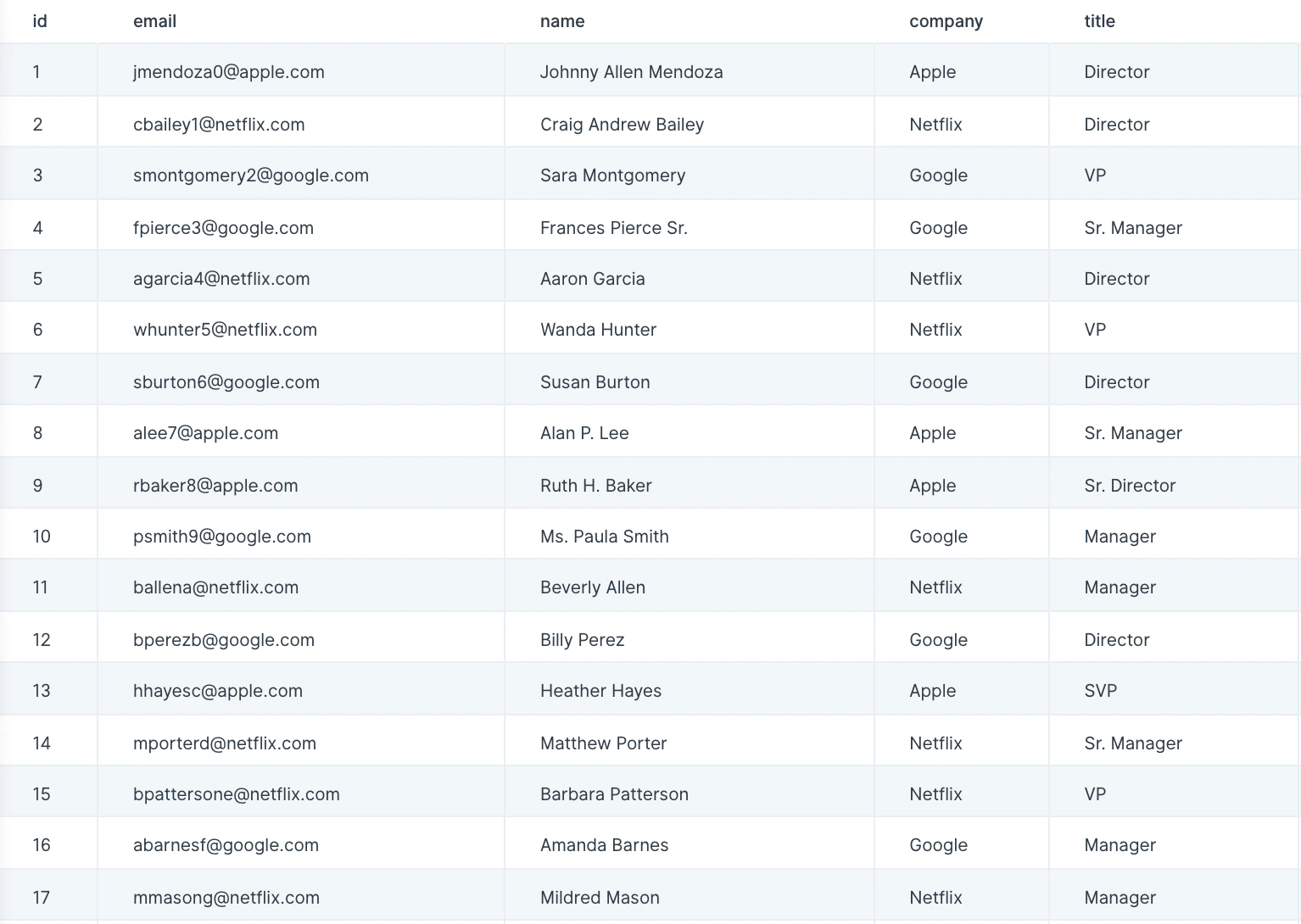
Custom settings
With data connected, title your new scoring column in the ‘Score Column Name’ field.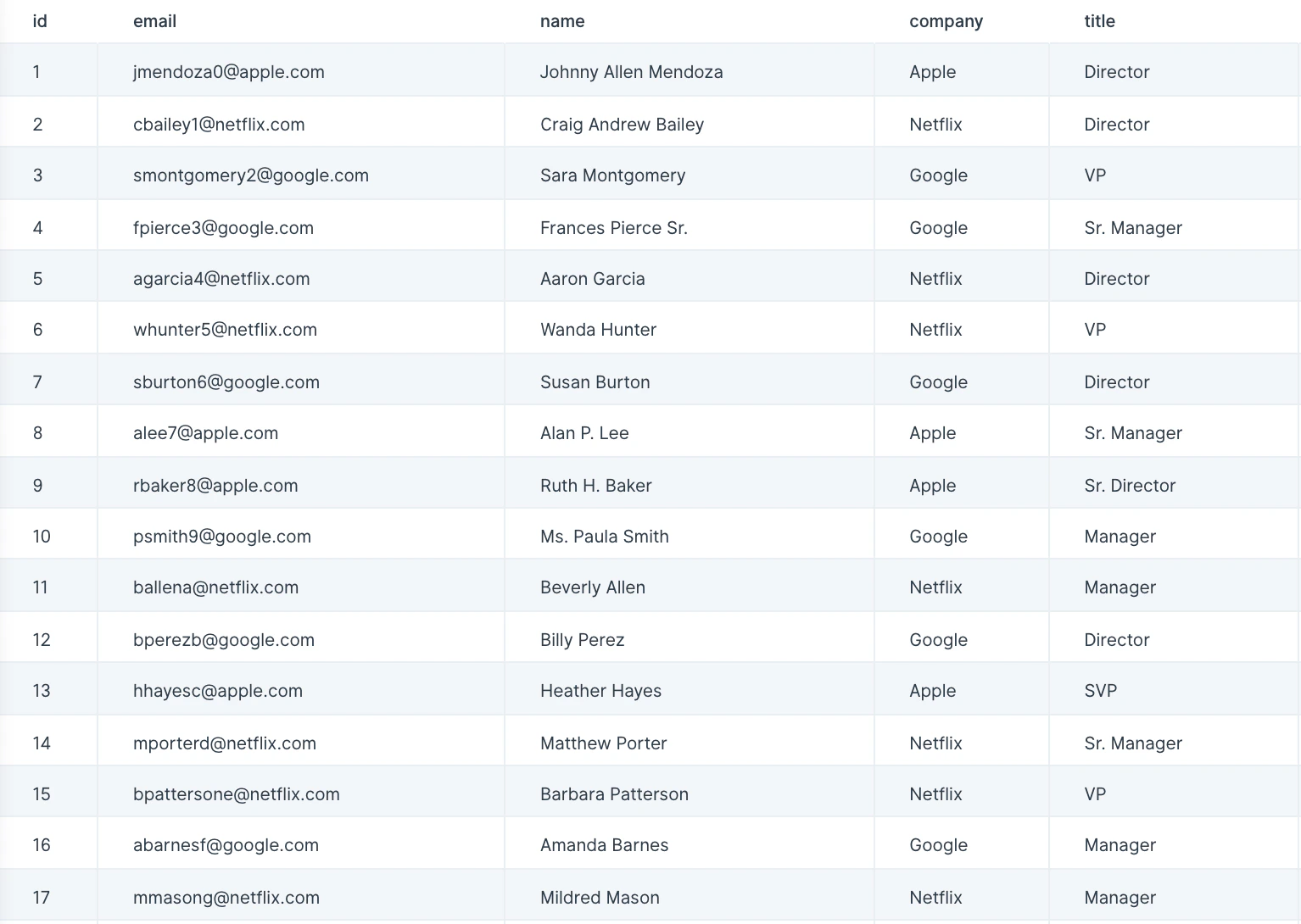
Helpful tips:
- Add as many rules as you’d like by clicking on the ‘Add Scoring Rule’ button.
Rule Setup Table
| Title | Column | Rule | Value | Increment Score |
|---|---|---|---|---|
| VP | Title | Equals | VP | 3 |
| Director | Title | Equals | Director | 2 |
| Manager | Title | Equals | Manager | 1 |
Related steps
- Add if/else column — set conditional values when scoring rules need branching logic.
- Add math column — combine multiple scoring inputs with custom formulas.
- Sort rows — rank rows by their calculated score after this step.
- Filter rows — keep only the highest-scoring leads or records.
- Sum by group — total scores by account, segment, or category.