

The Start with date & time row step creates a single row with the current date and time, plus customizable day offsets and timezone settings. It’s a starting step — no input arrows — and the date is calculated at run time, so each flow run gets a fresh value. The most common use case: feeding a date variable into a downstream API call. APIs that filter by date range need a date sent in, and hardcoding “yesterday” defeats the point of automation. This step gives you a relative date that updates on every run.Documentation Index
Fetch the complete documentation index at: https://parabola.io/docs/llms.txt
Use this file to discover all available pages before exploring further.
Customize settings
Click Add Date & Time Rule to add additional rules. Each rule shows up as its own column in the output.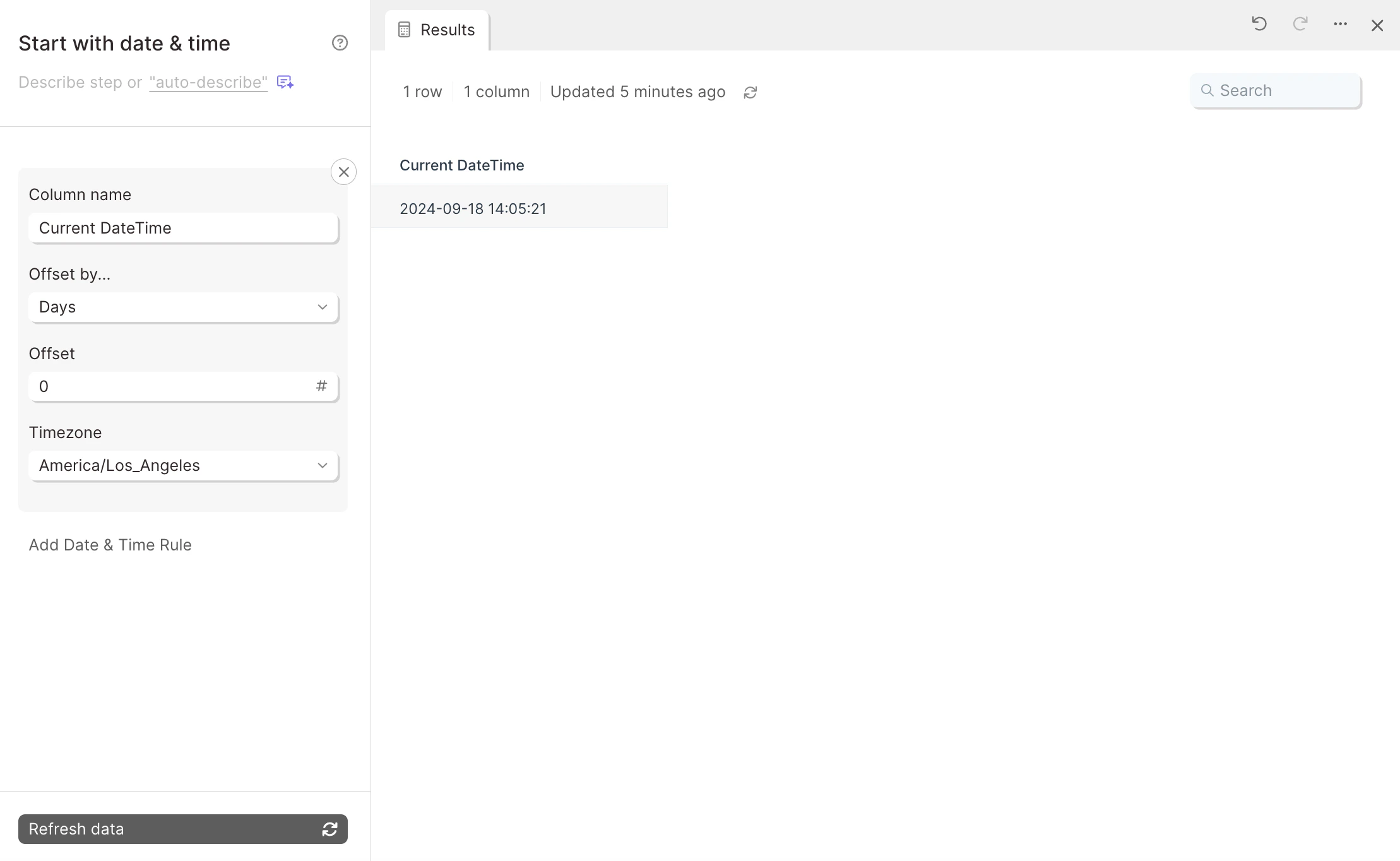
YYYY-MM-DD HH:mm:ss — for example, 2019-09-18 12:33:09. Connect a Format dates step after this one to convert to a different format.
Related steps
- Format dates — to convert the output to a different date format
- Pull from an API — for API endpoints that need a date parameter
- Run another Parabola flow — to pass the date row to a downstream flow
- Combine tables — to attach the date to other data via a cross join