

Documentation Index
Fetch the complete documentation index at: https://parabola.io/docs/llms.txt
Use this file to discover all available pages before exploring further.
Input/output
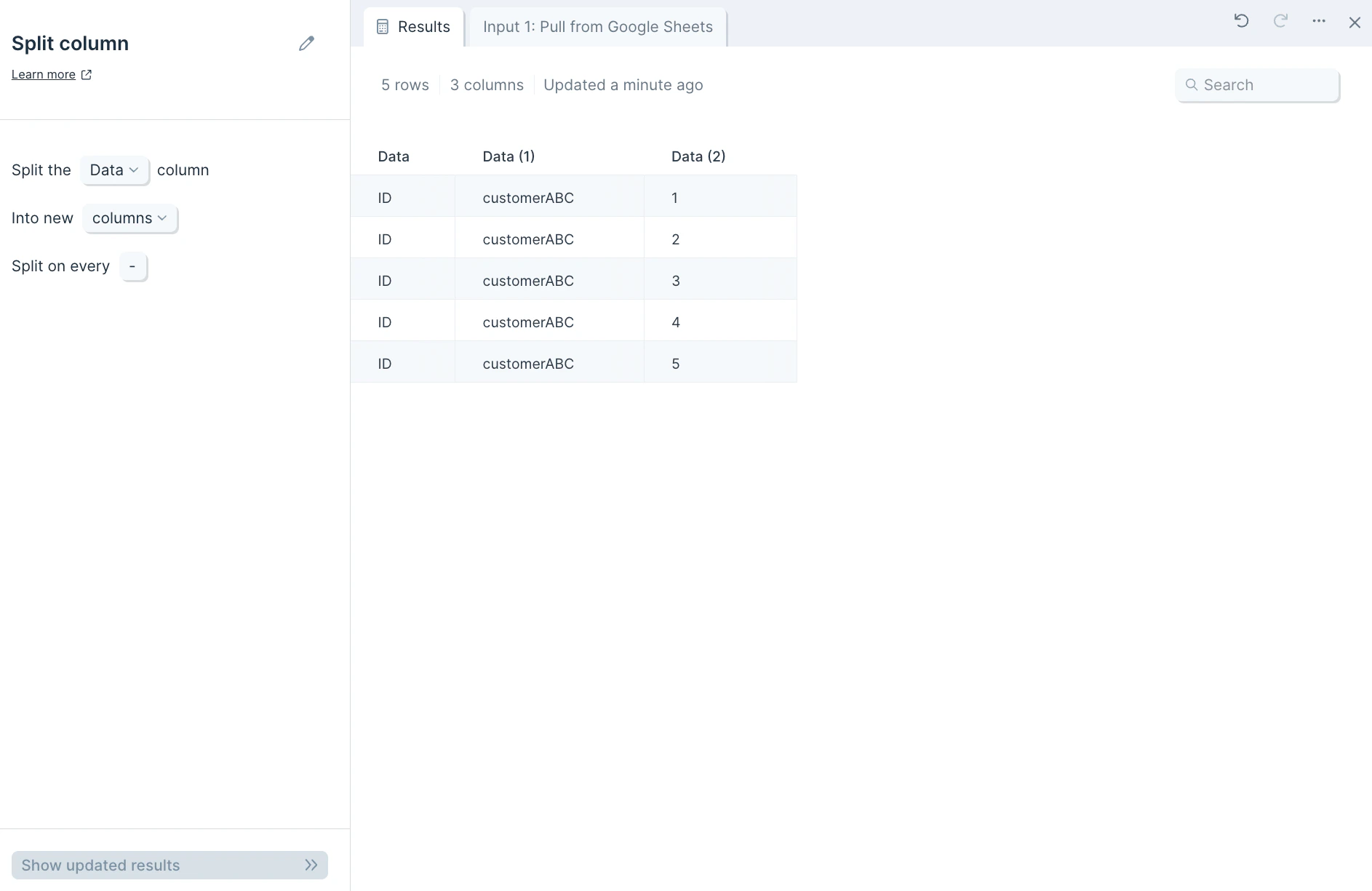
Our input data below is a single column called “Data”.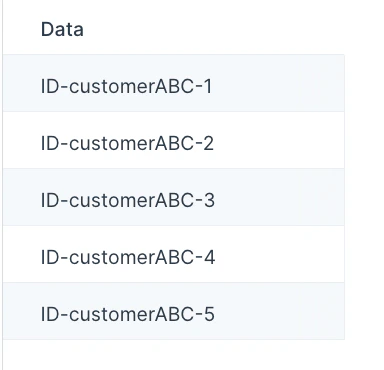
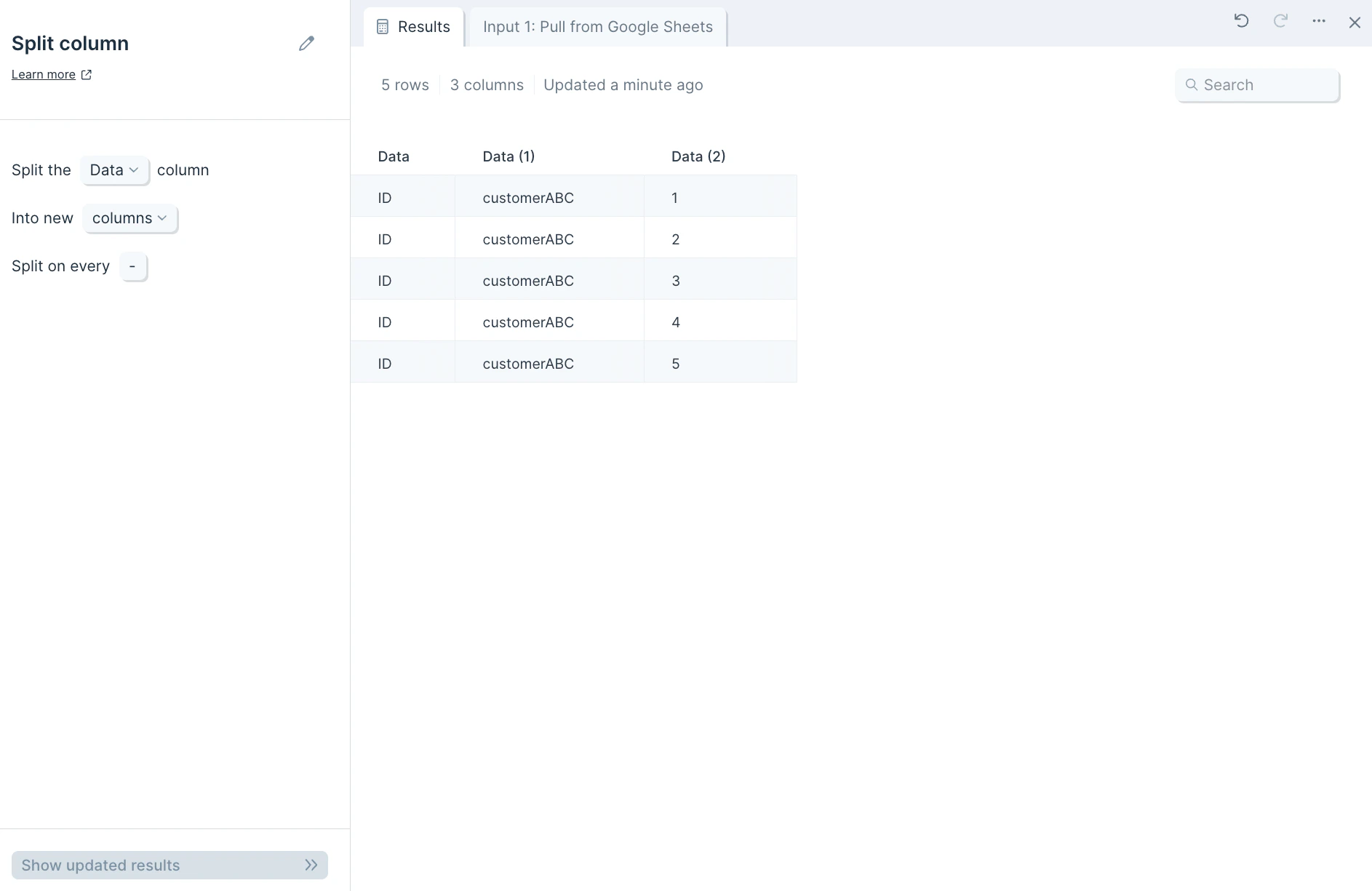
Custom settings
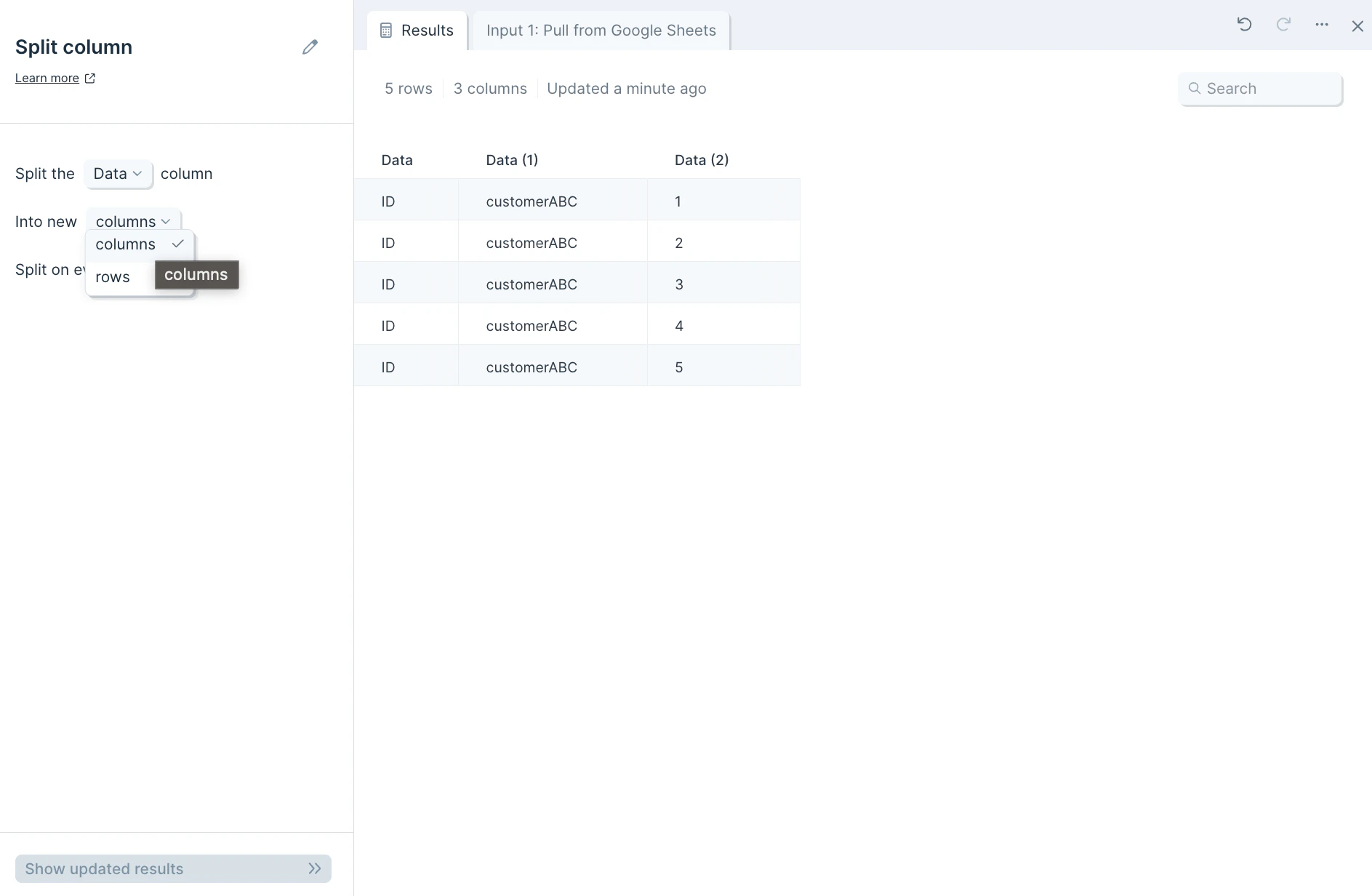
First, in the dropdown select from menu, choose which column to split into one or more.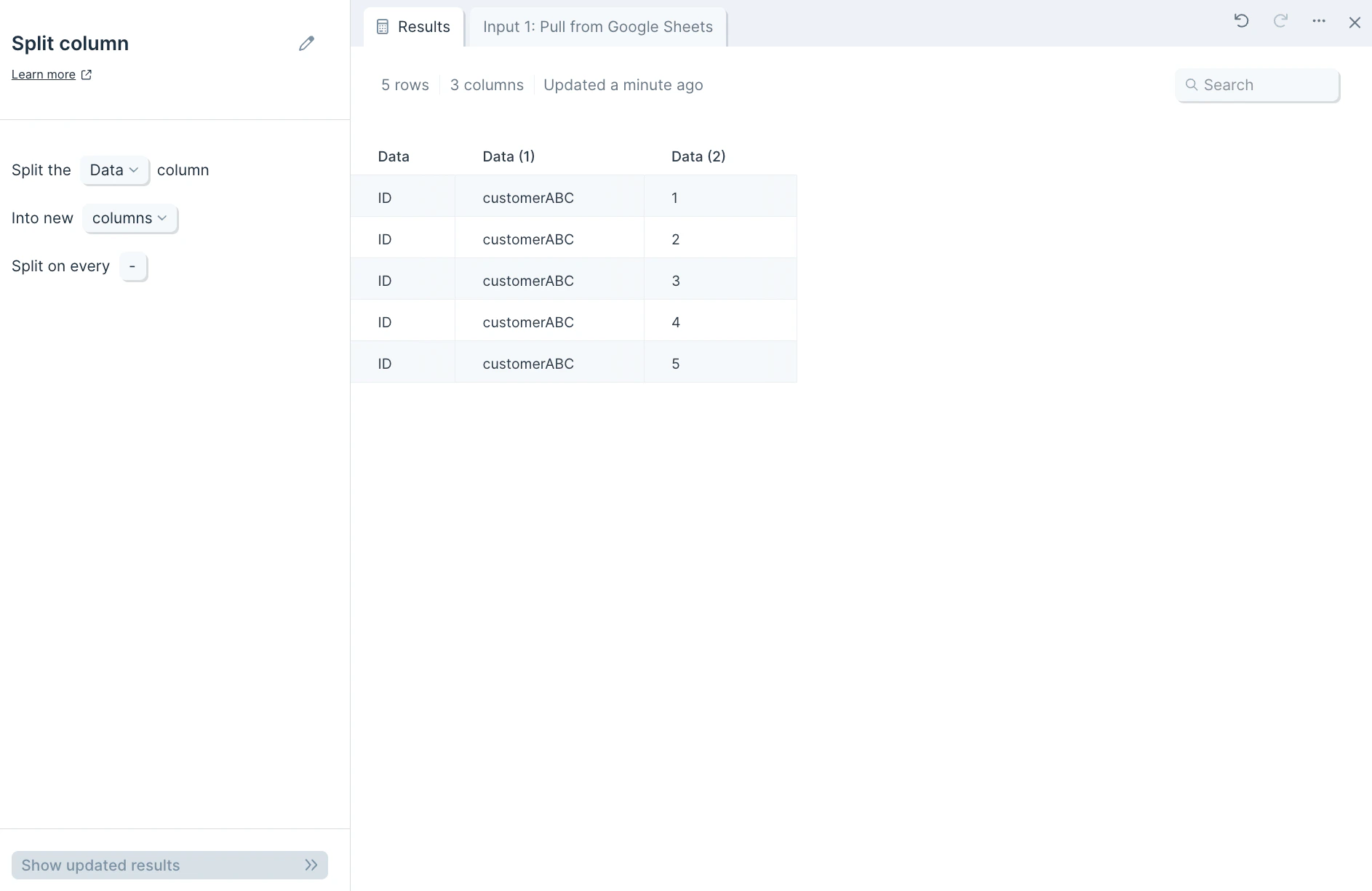
Helpful tips
- If you’d like to join a dataset using this step to another one based on the step’s newly-generated column output and choose to separate values by a comma, be sure to include the space after the comma in order for values to start with the letter or number. For example, splitting apart a column of orders like “shirt, pants, hat” by the comma without a space — like (,) versus (, ) — will create the output of rows “shirt”, ” pants”, and ” hat”.
Related steps
- Combine columns — reverse a split by joining columns back together.
- Split names — break full names into first, middle, last, and other parts.
- Replace with regex — split using pattern matching when delimiters vary.
- Extract text from column — pull a substring out of a column without splitting.
- Clean data — trim whitespace from split values before further use.